For iPhone, iPad, and Mac

Keep up with what matters, without social media.

Fawn Reader brings your favorite feeds, articles, bookmarks, highlights, and reading history into a fast native reader for iPhone, iPad, and Mac. No algorithms. No engagement traps. Just the sources you choose.

Learn more
RSS · Atom · JSON Feed · iCloud sync across Apple devices · OPML import & export
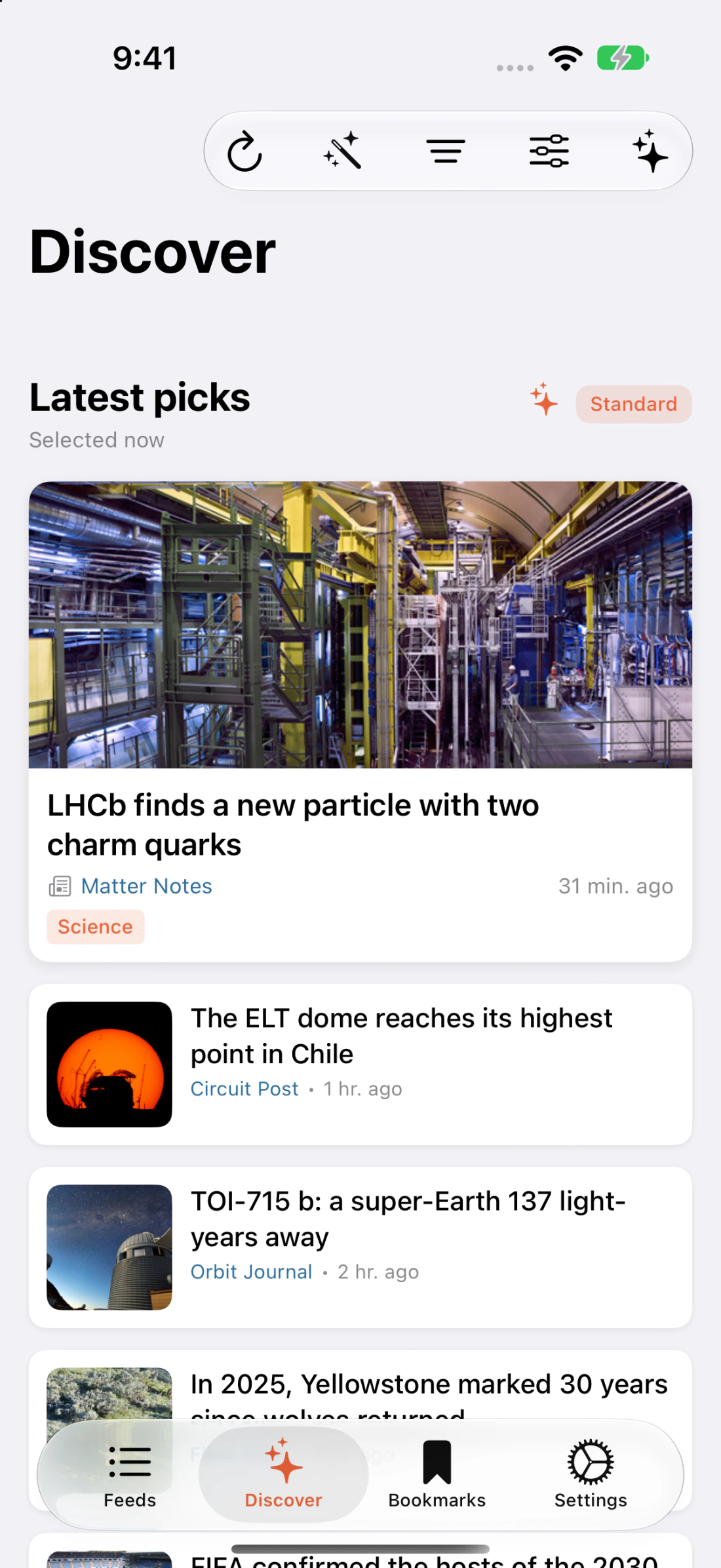
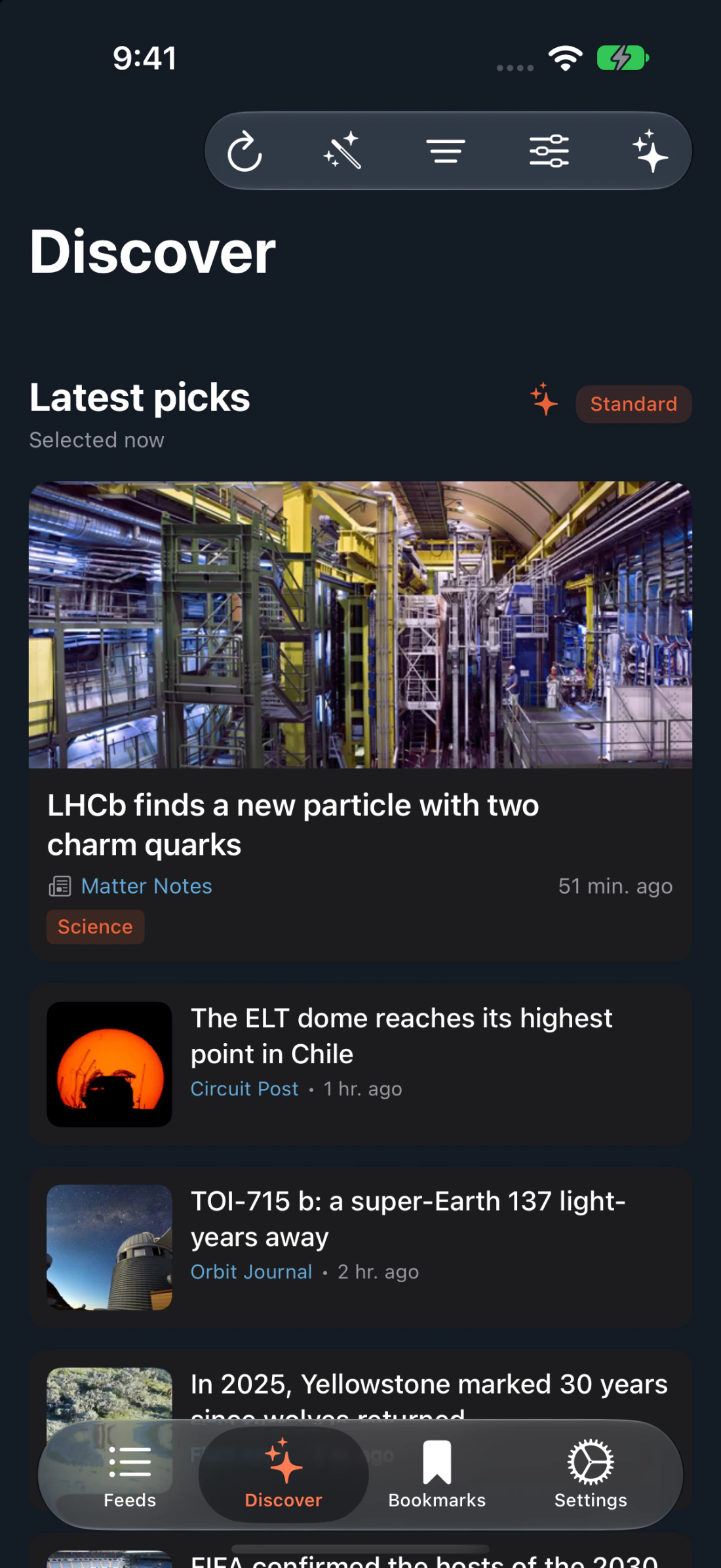
Fawn Reader article list on iPhone
Fawn Reader feeds list
Fawn Reader reading view
01 · Why RSS

A reading list you
actually chose.

RSS is a quiet protocol that lets you follow a website the way you'd subscribe to a magazine. Every blog post, article, and newsletter in one place — presented in the order they were published, not the order an algorithm prefers.

No algorithmic feed
Posts appear in the order they were written.
No engagement traps
No likes, no streaks, no infinite scroll tricks.
You pick the sources
Blogs, news sites, personal websites, publications, newsletters with feeds.
Independent of social
Your reading life doesn't depend on any single platform.
02 · Features

Everything a reader needs.
Nothing a reader doesn't.

Native Apple Experience
Built for iOS, iPadOS, and macOS using native platform patterns — gestures, share sheet, keyboard shortcuts, and system type.
Fast Feed Reading
Subscribe to RSS, Atom, and JSON Feed sources. Refresh them all from one place.
Clean Reader View
A focused layout designed for long-form reading. Adjustable type, line-height, and width.
Categories
Group feeds into folders to keep a large library manageable.
Bookmarks
Save important articles for later — offline, searchable, and yours.
Highlights
Pull meaningful passages out of articles and return to them in one collection.
Reading History
Keep track of what you've read. Find that half-remembered piece in seconds.
Discover
Surface interesting articles from feeds you already follow — no social timeline required.
OPML Import & Export
Bring subscriptions from another reader, or take your library elsewhere. Your feed list is portable.
iCloud Sync
Feeds, categories, bookmarks, highlights, and reading state stay in sync across your Apple devices, where supported.
Privacy-Conscious
Designed around local-first storage. External account credentials handled with Keychain-backed storage.
03 · Platforms

At home on every Apple device.

The same library, tuned for how you read on each device. A glance on iPhone, a spread on iPad, a newsroom on Mac.

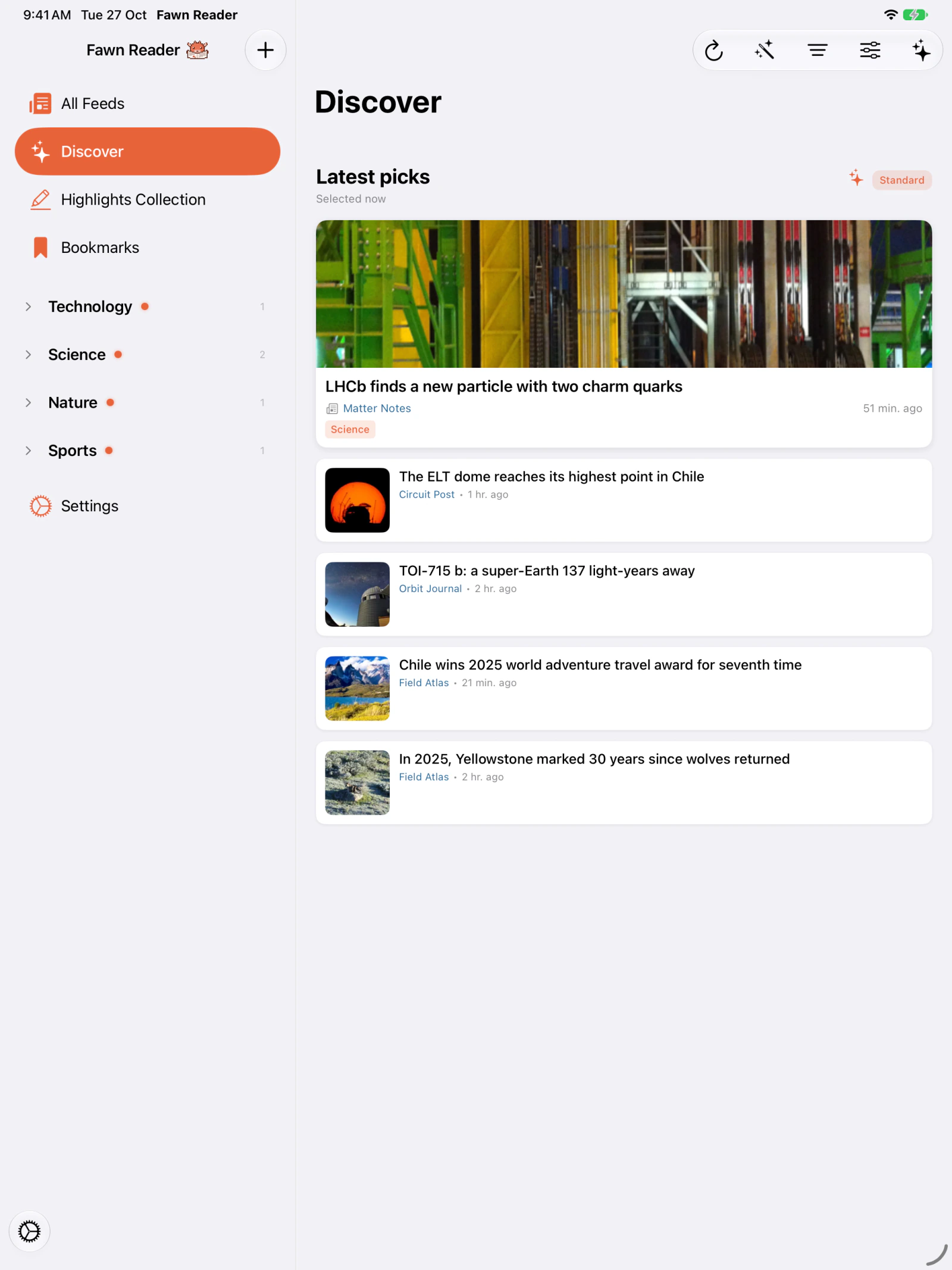
Fawn Reader Discover view on iPad
iPhone
Thumb-first navigation, share sheet integration, and a reading view tuned for small screens.
iPad
A three-column library view that unfolds naturally. Keyboard shortcuts. Split view.
Mac
A proper sidebar, article list, and reader. Menu bar, keyboard, and multi-window support.
04 · The app

Quiet, typographic, made for reading.

Feeds
Powered by Apple Intelligence
05 · Discover

Your readings,
rediscovered with intelligence.

Discover uses Apple Intelligence — on-device — to surface the best of your feeds every day. A curated carousel of today's highlights, a category browser tuned to your library, and three reading modes that decide how adventurous you want to be.

Favorites
Stay close to the sources you read most.
Balanced
A mix of the familiar and the new.
Exploration
Lean into corners of your library you've forgotten.
Featured Today — a hand-curated carousel built from your own feeds.
Category browser — Apple News-style filters across your library.
Fully private — processing happens on your device, on your feeds.
Discover view in Fawn Reader on iPad
06 · External sync

Connect your reader,
keep your sources.

Sync your subscriptions with Inoreader today — and with more services soon.

Inoreader sync is in progress
  • Sync feed subscriptions
    Subscriptions from your external account appear in Fawn.
  • Sync folders and categories
    The structure you already built comes with you.
  • Keep organization aligned
    Local app organization stays mirrored to your external account.
  • Future: read state, saved items, bookmarks
    Planned in later versions.

More providers (Feedly, NewsBlur, FreshRSS) are planned for upcoming releases. Tokens are stored securely in the system Keychain.

OAuth Bearer · Keychain-backed
Fawn Reader
iPhone · iPad · Mac
I
Inoreader
External RSS service
POST /oauth2/token
grant_type=authorization_code
redirect_uri=/oauth/inoreader/callback
→ stored in Keychain, scoped to user
07 · Privacy

Your reading
is yours.

Fawn Reader is designed around local-first storage. Feed data and reading data live in the app's database on your device. Reaching out to RSS feeds and optional external services requires network access — we don't pretend otherwise.

No unnecessary tracking
We don't profile your reading behavior.
No selling reading data
Your library is not a product we ship.
User-controlled sources
You add, remove, and organize everything yourself.
Keychain-backed credentials
External account tokens are stored securely via the system Keychain.
Optional external services
Inoreader and similar integrations are opt-in.
Scoped OAuth tokens
Tokens only connect to the provider you chose.
08 · Bring your library

OPML in. OPML out.

Import your subscriptions from any other RSS reader in seconds. Export them back out whenever you want — your feed list is portable, never locked in.

subscriptions.opml
<opml version="2.0">
  <body>
    <outline title="Apple">
      <outline text="Daring Fireball" xmlUrl="…"/>
      <outline text="9to5Mac" xmlUrl="…"/>
    </outline>
  </body>
</opml>
Fawn Reader

The web you care about,
without the noise.

Follow RSS, Atom, and JSON feeds. Organize, bookmark, highlight, and let Discover surface what matters. Across iPhone, iPad, and Mac.